what it looks like
The app itself
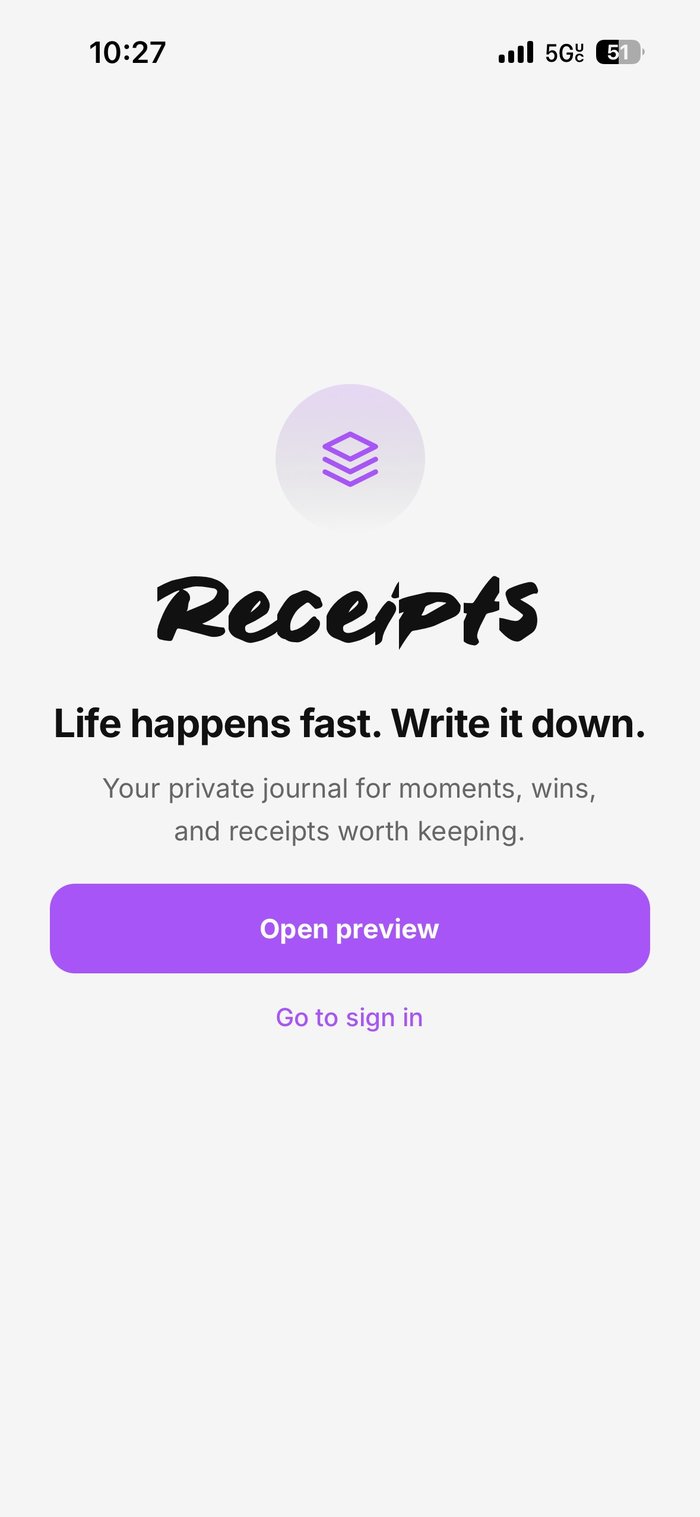 Landing
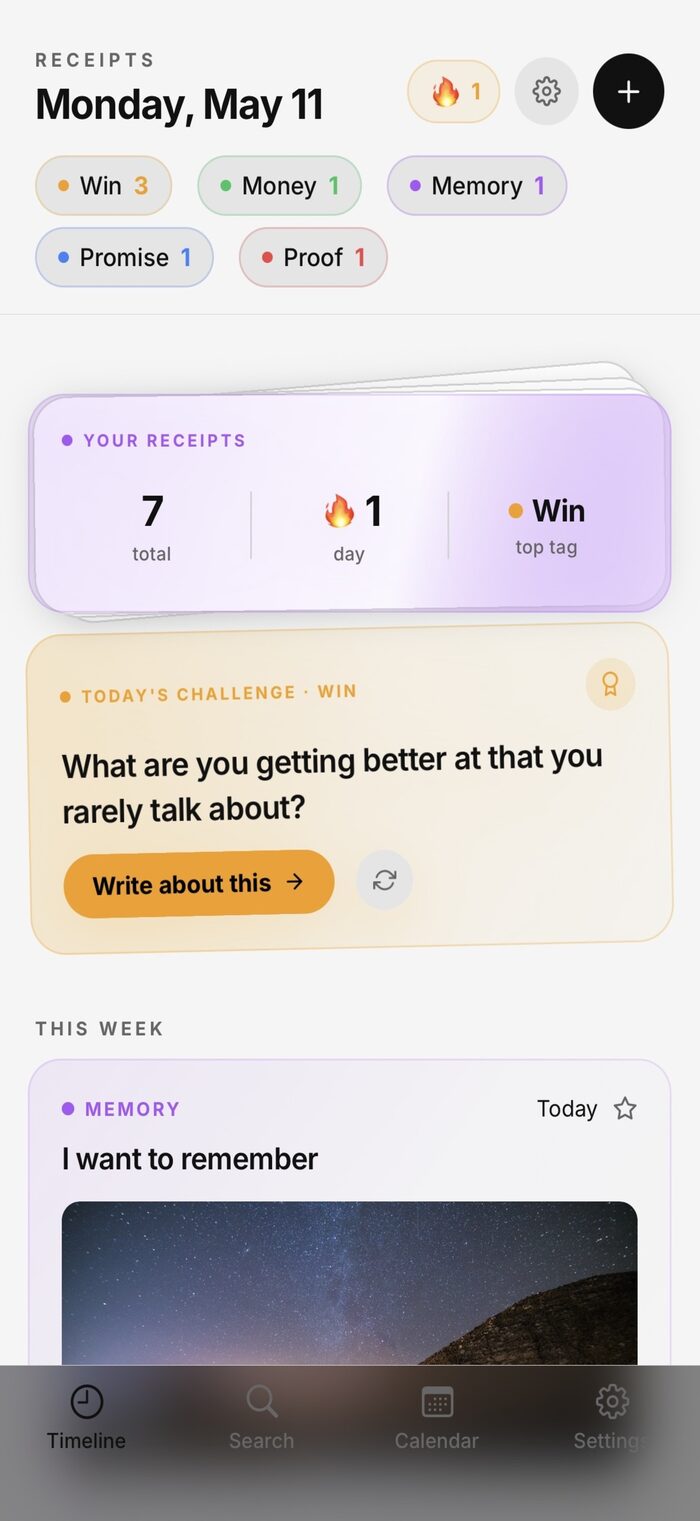 Timeline
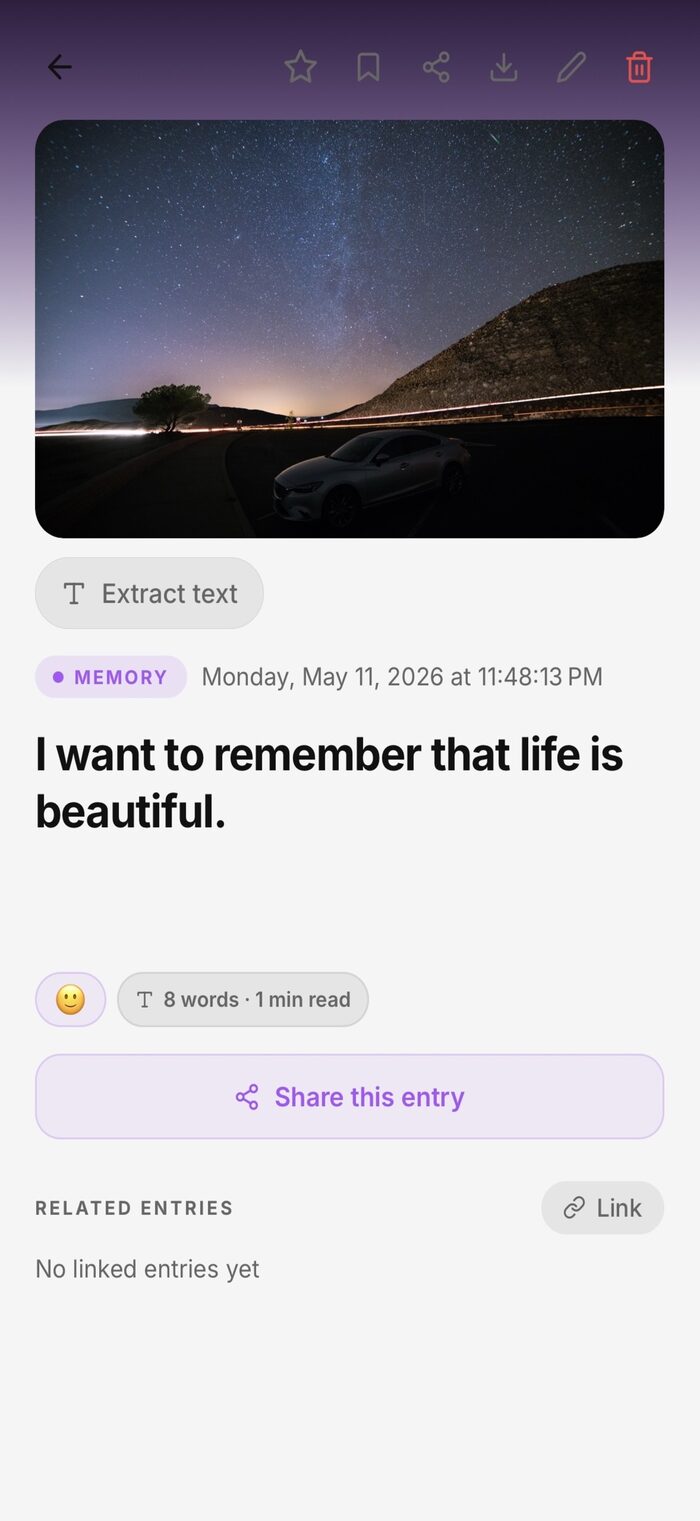 Entry Detail
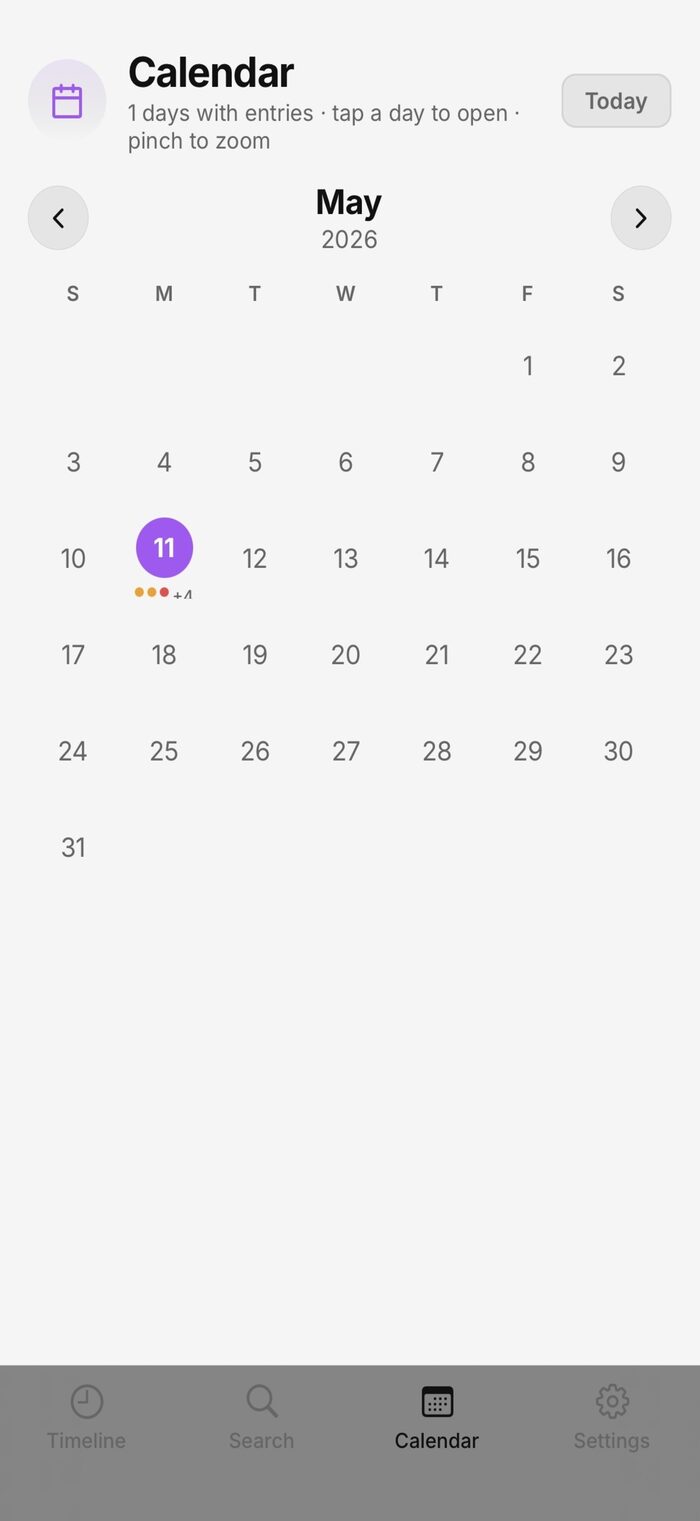 Calendar
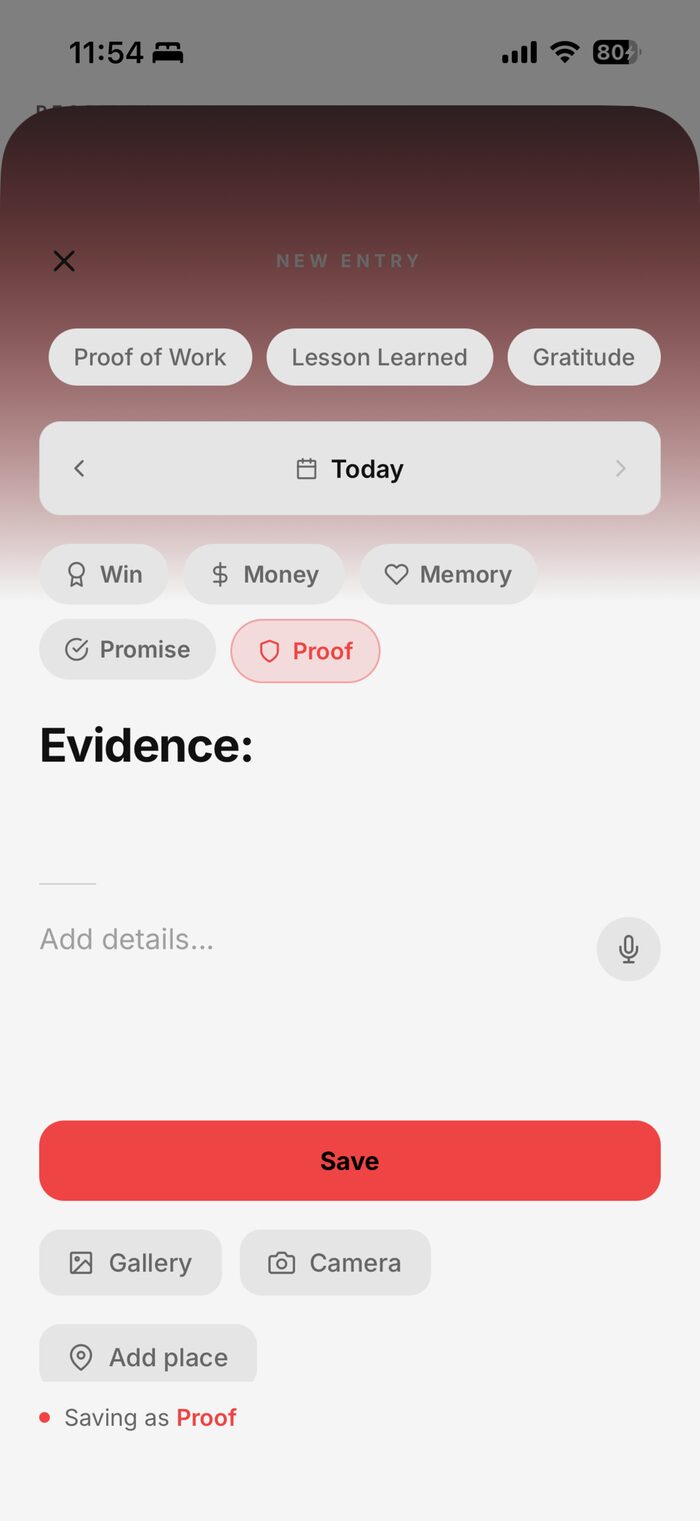 New Entry
case study · independent ios product
A privacy-first journaling app for people who document their lives intentionally. Designed, built, and submitted solo, from a blank file to Apple App Store review.
what it looks like
LandingTimelineEntry DetailCalendarNew Entrythe problem
Most journaling apps are built around streaks, followers, and public profiles, mechanics borrowed from social media and applied to what used to be private reflection. In the process, people lose track of their own story: wins go unrecorded, promises fade, and moments that mattered are never written down, because there was nowhere private enough to put them.
"Something worth remembering I actually did."
"Something I said I'd do, or someone said to me."
"A moment I don't want to lose to time."
"A conversation or decision that might matter later."
the product
The metaphor is literal. A receipt is a record you keep because it might matter later: proof something happened, evidence of a decision, a conversation worth remembering. Receipts is built entirely around that idea. Entries can include text, photos, voice memos, mood, and location, organized through a timeline, calendar, semantic search, and a weekly digest, with privacy treated as the architecture, not an afterthought.
I wanted to build a real consumer iOS app solo (no team, no budget, no shortcuts) and I wanted the product itself to treat privacy as the point, not a checkbox. Receipts is both the product I wanted to exist and the engineering challenge I wanted to complete.
privacy architecture
Most apps have a single privacy toggle. Receipts has five, and each works independently, so they combine without conflicts.
Face ID, with a PIN fallback, blocks the whole app before any content is visible.
A second PIN opens a completely empty, convincing journal, indistinguishable from a fresh install.
Individual entries can require their own Face ID prompt, even after the app itself is unlocked.
A shake of the phone locks everything instantly: no animation, no delay.
Native iOS controls block screenshots and screen recording, and blur the app in the app switcher.
engineering highlights
Photos are scanned for text directly on the device and added to the entry. No image ever leaves the phone.
Entries are ranked by relevance, not just keyword matches, and built without relying on any external search service.
A durable sync queue keeps working through app restarts and dropped connections. The network is optional, not required.
When enabled, entries are encrypted on the device before they ever reach a server. The server only ever sees scrambled, unreadable data.
Each entry is linked to the one before it in a hash chain. Altering an entry after the fact would break that chain, making entries usable as real personal proof, not just notes.
feature overview
entry creation
organization
insights
data & portability
product thinking
Local-first, cloud optional
Cloud sync is additive, never the source of truth. Entries live on the device first. Sync and encryption are optional layers on top.
No social features, by design
Sharing was explicitly out of scope. The product is privacy, not reach: no feeds, no followers, no public profiles.
Decoy PIN over a hidden folder
A decoy is more deniable and more secure than just hiding a folder. It's indistinguishable from an empty app, not just a well-hidden one.
technical build
Local-first throughout, with cloud sync as an additive layer rather than the source of truth. Every entry lives on-device first, and sync or encryption run on top of that, never in place of it.
Product requirements & 30 user stories with acceptance criteria
System architecture & key design decisions, documented
Core engineering: privacy layers, OCR, search, sync
100+ manual test cases across real devices
Automated build pipeline & continuous integration
App Store submission & review iteration
my role
skills demonstrated
status
In Apple App Store review · version 1.0.0, build 35. Not yet publicly live; currently iterating in response to Apple's review feedback. Android is planned for a future v1.1.
let's talk